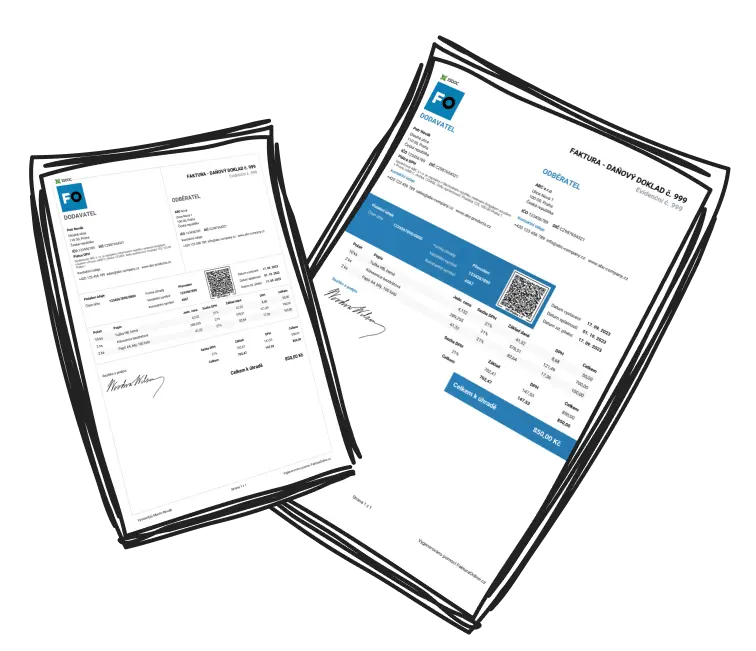
MINI subscription: simplifying your billing process
What’s Included in the MINI Plan
The MINI plan provides access to two essential tools:
-
Fast Invoice Creation
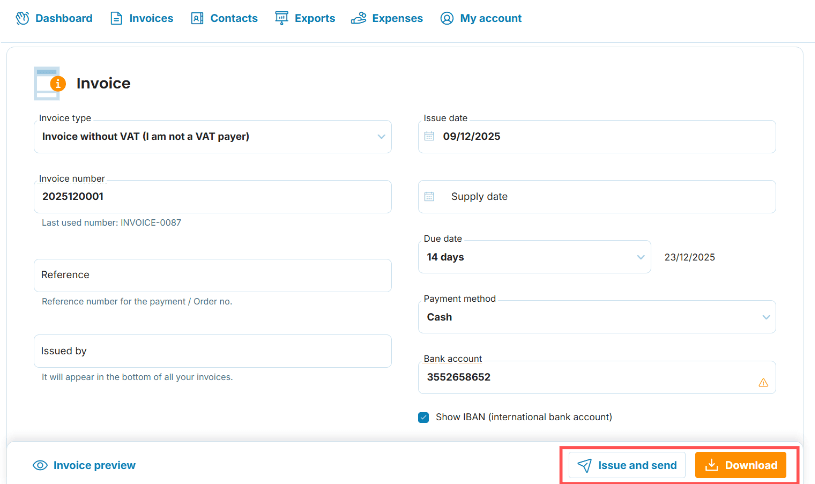
Looking for a hassle-free way to create invoices? With MyInvoiceOnline, invoices are automatically numbered according to your chosen format.
-
Download and Send Invoices via Email
Once an invoice is created, it can be downloaded to your device or emailed immediately. The sender’s email address will match the one associated with your account, and you can personalize the message using the available Email Templates section. You’ll find templates in Company settings, and each business has its own.

Is it possible to modify invoices afterwards?
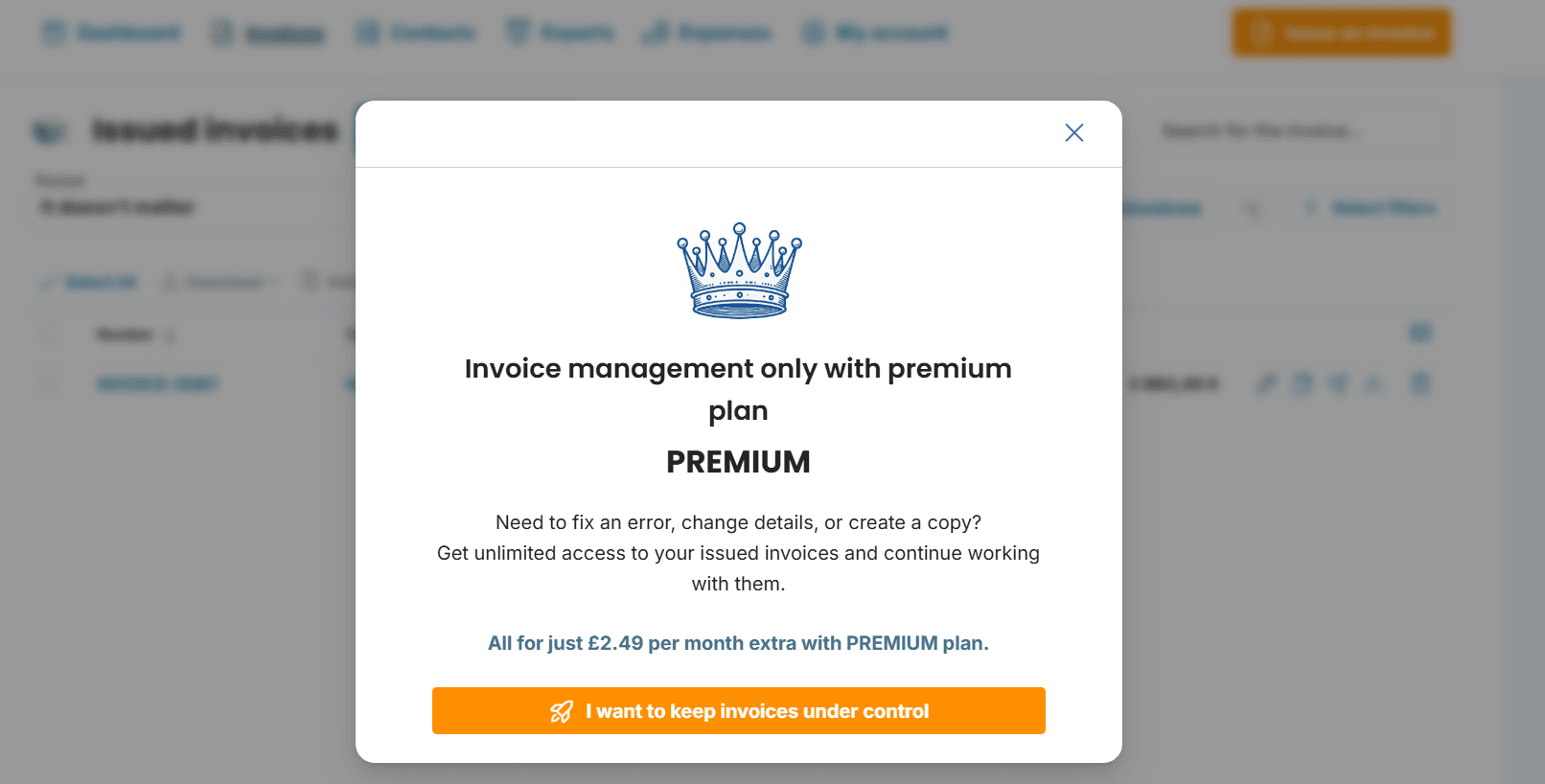
The MINI plan allows you to download or email an invoice as soon as it’s created. However, if you need to make changes or continue working with your invoices later on, these options are only available with an active PREMIUM subscription.
Upgrading to the PREMIUM Plan
Already subscribed to the MINI plan? You have the option to switch to the PREMIUM plan at a discounted price, which is calculated based on how much time remains on your MINI subscription. A full explanation of the upgrade process is available in our detailed in our detailed support article.
Your MINI Plan Applies to One Business
Your plan is tied to a specific business, not to your login. If you have several businesses under one login, each has its own plan, so one can be on MINI and another on PREMIUM. To manage your plan, including an upgrade to PREMIUM, click the business name in the top right → Company settings → Manage subscription. Any change applies only to the business you currently have selected. You pay less for the second and every further business. Find out more in our guide to multiple businesses under one login.