PREMIUM subscription
Features of the PREMIUM Plan
In addition to basic features such as creating invoices and sending them via email, the PREMIUM plan allows you to:
Save issued invoices
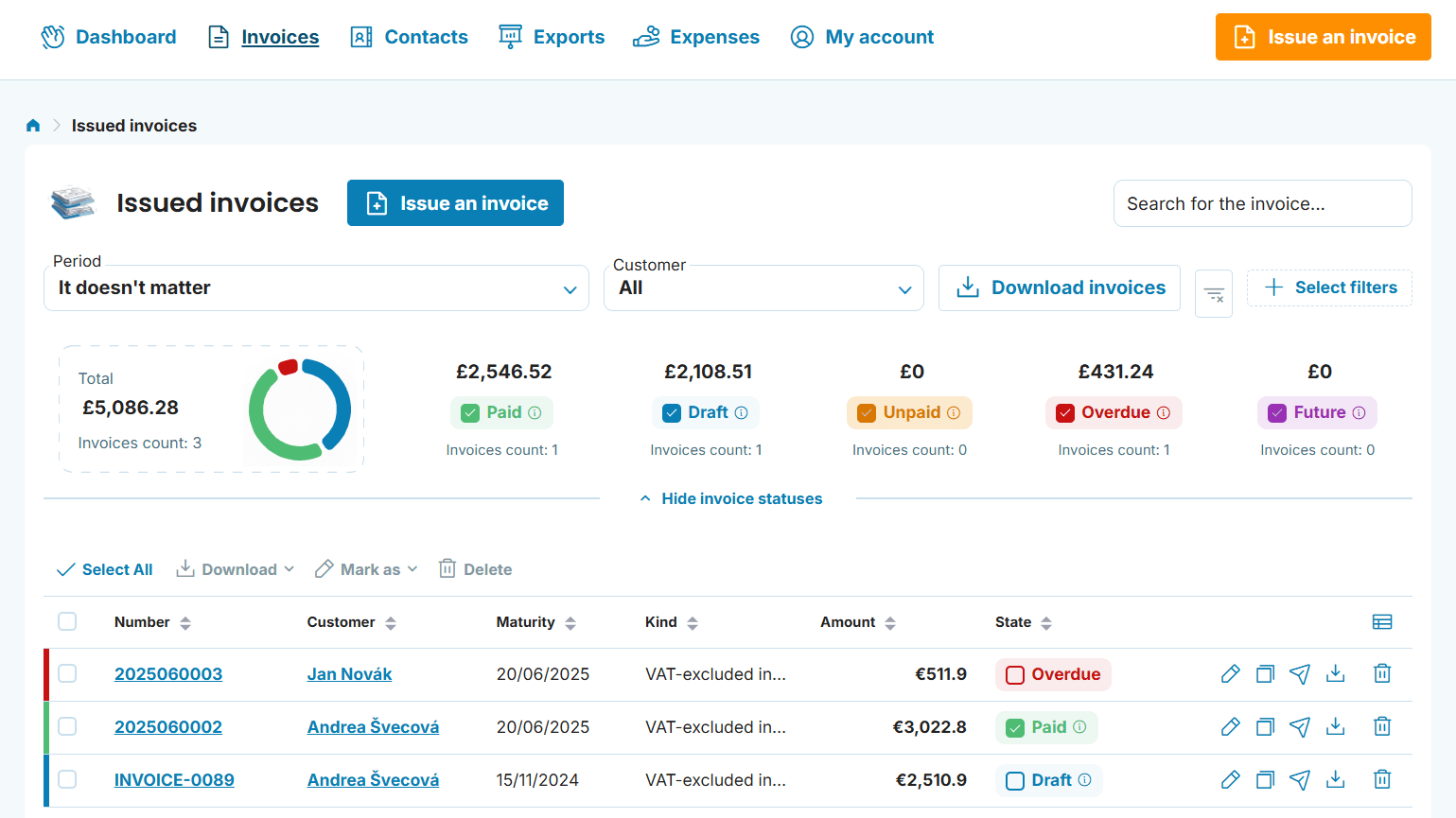
Invoices are automatically saved in the "Invoices" section, where you can manage or edit them at any time. This is the main difference compared to the MINI plan, which only allows you to download or email the invoice immediately after it is created.
Edit issued invoices
Found a mistake on an invoice or need to make a change? With the PREMIUM plan, it's easy! There's no need to recreate the invoice — simply edit it in the "Invoices" section.
Quick filtering and invoice status display
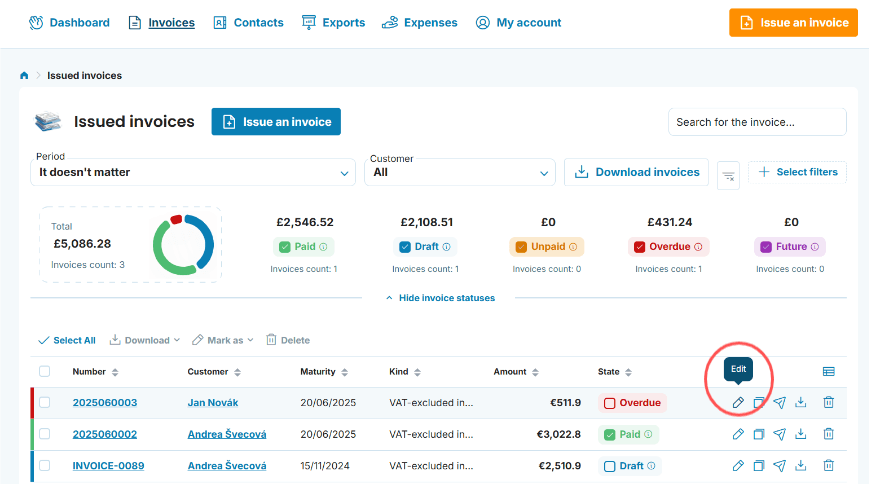
Looking for a specific invoice or all invoices for a certain customer? With the PREMIUM plan, you can filter by criteria such as issue date, customer, tax date, and more. You can also mark invoice statuses — whether it's paid, unpaid, or overdue.

Can’t see invoice statuses?
Turn on invoice statuses in Company settings → General settings. The setting applies only to the business you currently have selected. If you have more than one business, check it for each one separately.
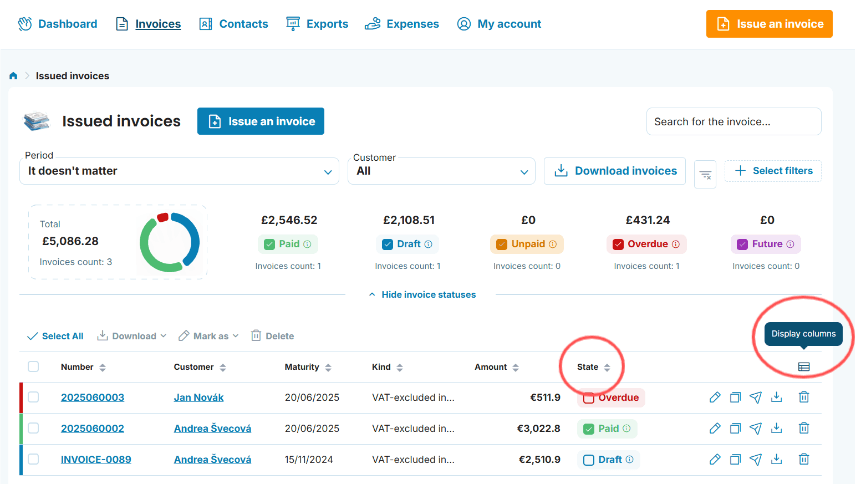
Customise table columns
In the "Invoices" section, you can choose which columns are displayed to suit your needs. Available fields include: Seller, Customer, Issued On, Maturity, Tax point on, Paid on, Sent, Kind, State, Amount, Number. You can find a step-by-step guide in this article.
Create email templates
Want to automate communication with your customers? Create your own email templates for sending invoices, reminders, or thank-you messages. This feature streamlines your invoicing and lets you tailor email content to your needs. Learn how to do this in our guide. You set templates up in Company settings, and each business has its own.
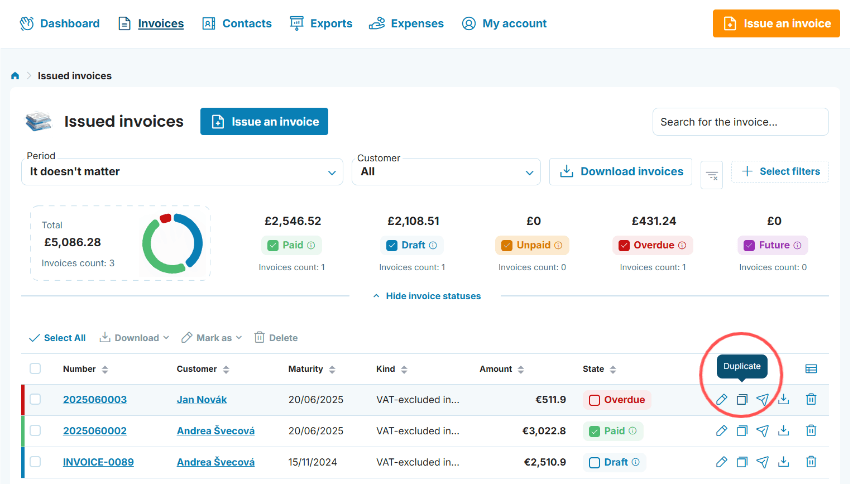
Duplicate invoices
Do you frequently issue invoices with the same information? With the PREMIUM plan, there’s no need to start from scratch every time — simply duplicate the invoice with one click.
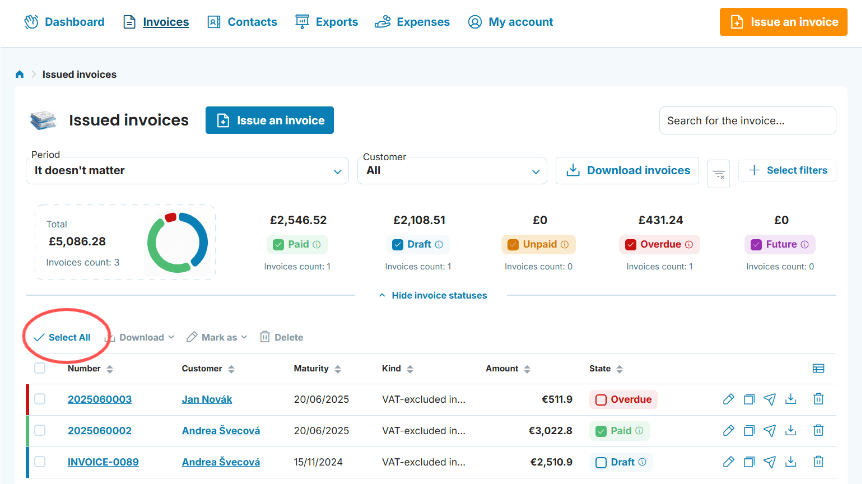
Bulk actions
You can bulk download, update statuses, or delete invoices. Documents can be downloaded in PDF or XLSX format — depending on your preferences. How? Just select “Select all” on the Issued Invoices page. You can also use the Exports feature to export your invoices, expenses, or contacts. Read a detailed explanation of the Exports feature here.
Recurring invoices
This feature lets you create invoices that repeat automatically. It saves you time and eliminates the hassle of issuing the same invoice repeatedly. Check out the step-by-step guide.
Your PREMIUM plan applies to one business
Your plan is tied to a specific business, not to your login. If you have several businesses under one login, each has its own plan, so one can be on PREMIUM and another on MINI. To manage your plan, click the business name in the top right → Company settings → Manage subscription. You pay less for the second and every further business. Find out more in our guide to multiple businesses under one login.
With the PREMIUM plan, you’ll always have full control over your invoicing!
Every new business gets 5 weeks of free, no-obligation access to the PREMIUM plan, both when you register and for any business you add later. As the trial period nears its end, you’ll receive an email with all the details about subscription options, always stating which business it relates to. After that, you can choose to continue with the PREMIUM plan or switch to the MINI plan. The MINI plan includes basic features such as creating invoices online, downloading them, or sending them via email immediately after issuing. Both plans include customer support via email.