Invoice Template Google Docs
Google Docs is a free word processor you can access from any device with an internet connection. For occasional invoicing it can do the job – but just like Word, it wasn't designed for creating invoices. We'll look at what an invoice in Google Docs must include, what pitfalls to watch out for, and when it's worth switching to a dedicated invoicing tool.


What must an invoice include?
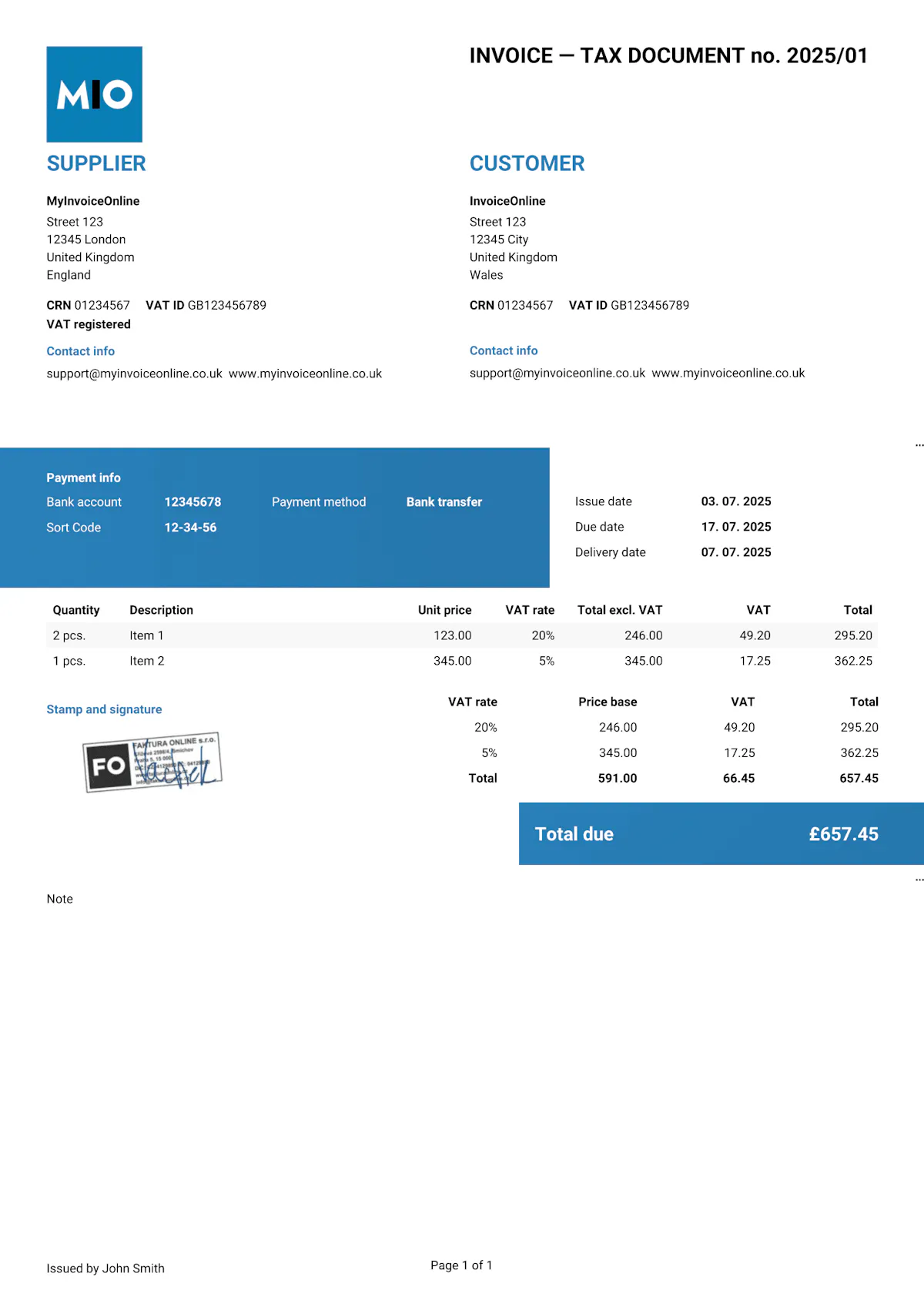
Whether you create your invoice in Google Docs, Word or any other programme – the required elements are set out by HMRC and always apply. If any of them are missing, the customer has the right to reject the document.
Required elements
Invoice number – every invoice must have a unique number within your numbering system (e.g. "Invoice No. 20250020").
Seller details – your business name (or full name if you're a sole trader), registered address, and company registration number. VAT-registered businesses must also include their VAT number.
Buyer details – the customer's name, address, and company or VAT number where applicable.
Invoice date – the date the invoice was created.
Supply date – the date the goods were delivered or the service was provided (also known as the tax point), if different from the invoice date.
Description of goods or services – what exactly you're invoicing for: item description, quantity, unit price, and line total.
VAT rate and amount – the applicable VAT rate, the net amount, the VAT amount, and the gross total.
Total amount due – the sum of all items, broken down into net, VAT and gross.
Recommended elements
Payment due date – the deadline by which the customer should pay.
Payment details – bank account number, sort code (or IBAN for international payments).
Payment method – bank transfer, card payment, or other accepted methods.
Purchase order number – if the customer provided a PO number, including it speeds up payment processing.
What to watch out for when invoicing in Google Docs
Compared to desktop editors, Google Docs has several specific limitations that matter when it comes to invoicing:
No calculations – just like Word, Google Docs doesn't calculate. Totals, VAT and final amounts all need to be worked out and entered manually.
Dependent on internet – without a connection, you can't access your document. Offline mode does exist, but it requires setting up in advance.
Limited table formatting – tables in Google Docs are simpler than in Word. Aligning columns and achieving a professional-looking invoice takes more manual effort.
Sharing = risk – if you share the document via a link, anyone with access can edit it. Unlike a PDF, you have no control over what the recipient does with the document.
-
Manual numbering and record-keeping – Google Docs doesn't track your invoice numbers or keep a log of issued invoices.

Important!
Never share an invoice as a Google Docs link. The recipient could change the amount, date or other details – without you ever knowing. Always download as PDF (File → Download → PDF).
With MyInvoiceOnline.co.uk you don't have to worry about any of this. Every invoice is automatically generated as a non-editable PDF. Your customer always receives exactly what you issued, and all your documents are securely stored in the cloud – accessible from anywhere, with no risk of loss or unauthorised changes.

Invoice templates for Google Docs
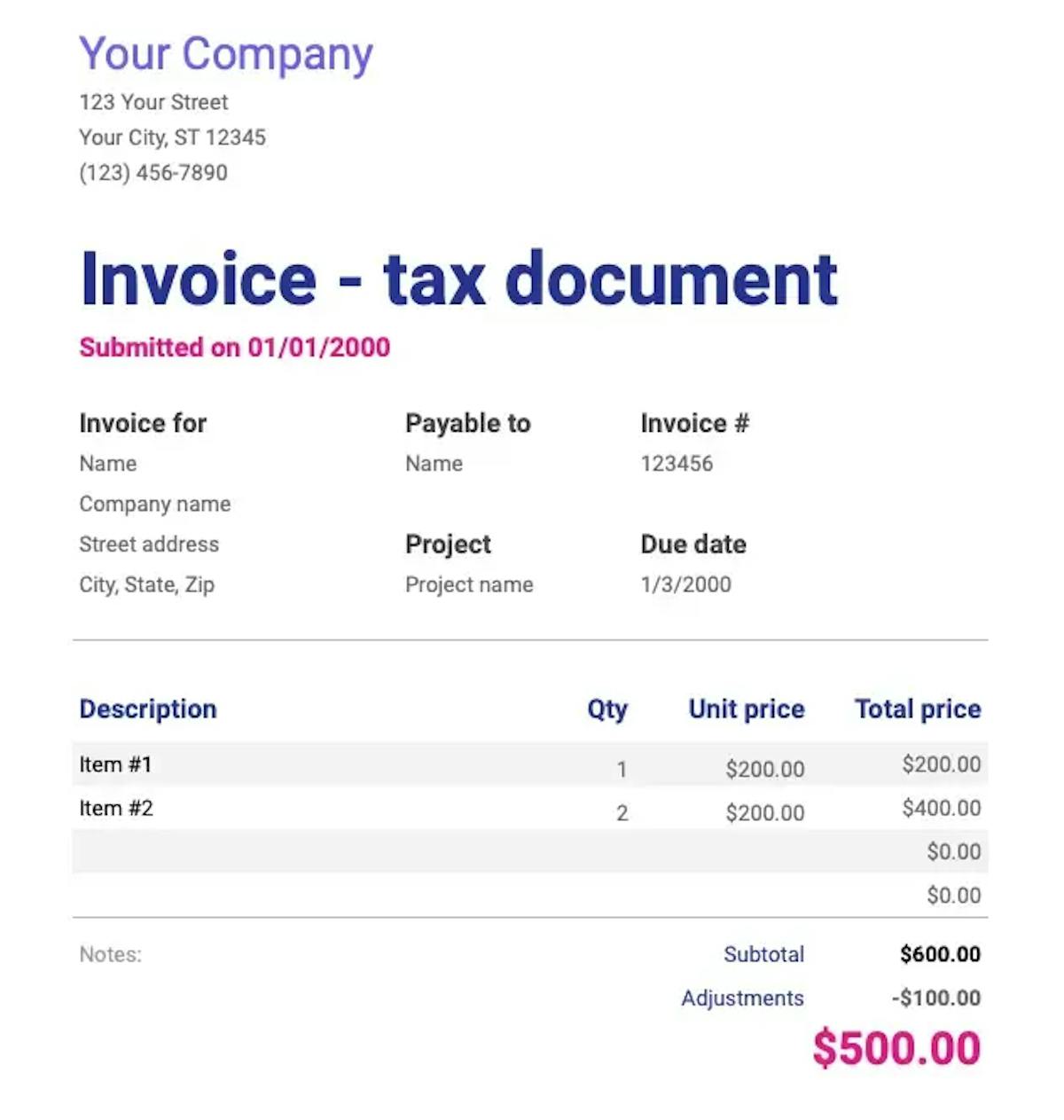
Invoice like a professional.
Your customers will see that your invoice matches your brand.
Add your logo, brand colours or stamp in just a few seconds. Editable templates are easy to customise to suit your needs.

Your logo on every invoice
Upload your own logo and make every invoice look professional and truly yours.

Your brand colours
Choose your brand colours so your invoices stay consistent with your business identity.

Add your stamp
Need a company stamp on your invoice? Just upload it – it will appear automatically in the right place.