Digital Invoice Templates: A Modern Solution
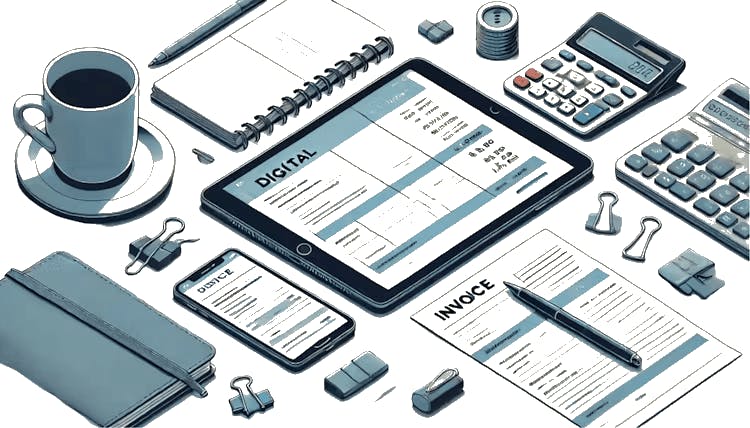
Why Consider Digital Templates Over Traditional Invoices?
In a word, efficiency. Digital invoice templates greatly speed up the billing process, slicing down the time it takes to send invoices and receive payments. However, there's more to it - a smooth invoicing system can also boost a company's professional image and overall productivity.
Switching to Digital Invoicing
Businesses inevitably face the drawbacks of paper systems, especially regarding invoicing. Losing paperwork and payment delays aren't just minor annoyances; they can severely affect the crucial cash flow within a company.
Tip: Review your current invoicing method; look at how long payments take, the need for follow-ups, and how often invoices go astray.
Choosing the Ideal Digital Invoice Template
Consider services like InvoiceOnline, which offer a range of templates for various business requirements, whether you're a VAT payer or not. Opt for templates that are not only visually appealing but also functional, allowing for easy customisation and compatibility with your accounting software.
Example: For a photography studio, where different package options are billed, a digital template that can be quickly modified saves time and minimises mistakes.
Integrating Digital Templates into the Business Seamlessly
Moving to a digital system shouldn't cause disruption. Seek solutions that fit smoothly with your current structure. Many digital systems allow easy import of client details from your existing databases.
Tip: Initiate training for your team to get them familiar with the digital system’s features and benefits, easing the transition.
Boosting Efficiency with Template Automation
The true strength of digital templates shines with automation. You can set auto-reminders for payments, create recurring invoices for repeat customers, and receive real-time notifications when invoices are viewed or paid.
Assessing the Benefits After Transition
Once you've transitioned, it's essential to evaluate how the new system benefits your operations. Keep an eye on metrics such as how swiftly payments are made, client satisfaction, and operational efficiency.
Tip: Schedule a review period post-transition to assess the efficiency of the digital system. Seek feedback from both your staff and clients to refine the process further.