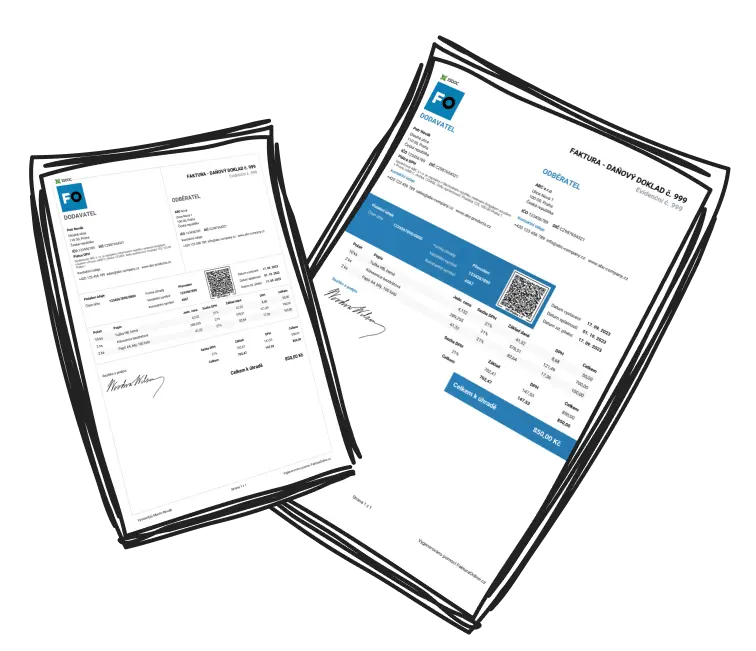
SWIFT/BIC code: what it is and how to use it on your invoice

What a SWIFT/BIC code is
A SWIFT/BIC code is a unique code that identifies a specific bank. It works rather like a postcode — it points not to a house but to the bank where a payment should arrive. SWIFT and BIC are two names for the same thing: SWIFT is the name of the payment network, while BIC (Business Identifier Code) is the official name for the code under an international standard. In the invoice form in MyInvoiceOnline you will find it as the SWIFT/BIC field.
What a SWIFT/BIC code looks like
The code is always 8 or 11 characters and has four parts:
the first 4 letters — the bank code,
the next 2 letters — the country code (for example GB for UK banks),
2 characters — the location (region or head office),
the last 3 characters — the branch; these are optional, and when they are missing the payment goes to the head office.
You never make your own SWIFT/BIC up. You will find it in your online banking, on a bank statement or on your bank website — every bank publishes it.

SWIFT/BIC vs IBAN — when you need it
For payments within the UK you usually share your sort code and account number. For payments from abroad it works differently: the IBAN points to the specific account, and the SWIFT/BIC points to the bank that holds it. For euro payments inside the SEPA area the IBAN on its own is often enough, but the SWIFT/BIC is what routes the money when:
a client outside that area pays you,
the payment is in a currency other than euro (including pounds from abroad),
or the sending bank asks for it.

How to add your SWIFT/BIC in MyInvoiceOnline
In MyInvoiceOnline the SWIFT/BIC is an ordinary field in the payment details, right next to the account number and IBAN. Enter it once in your company details and it is filled in automatically each time you create an invoice. To add it to a single invoice only, overwrite the field directly in that invoice payment details. On the finished invoice the SWIFT/BIC shows up with the payment details, so your overseas client sees it straight away.
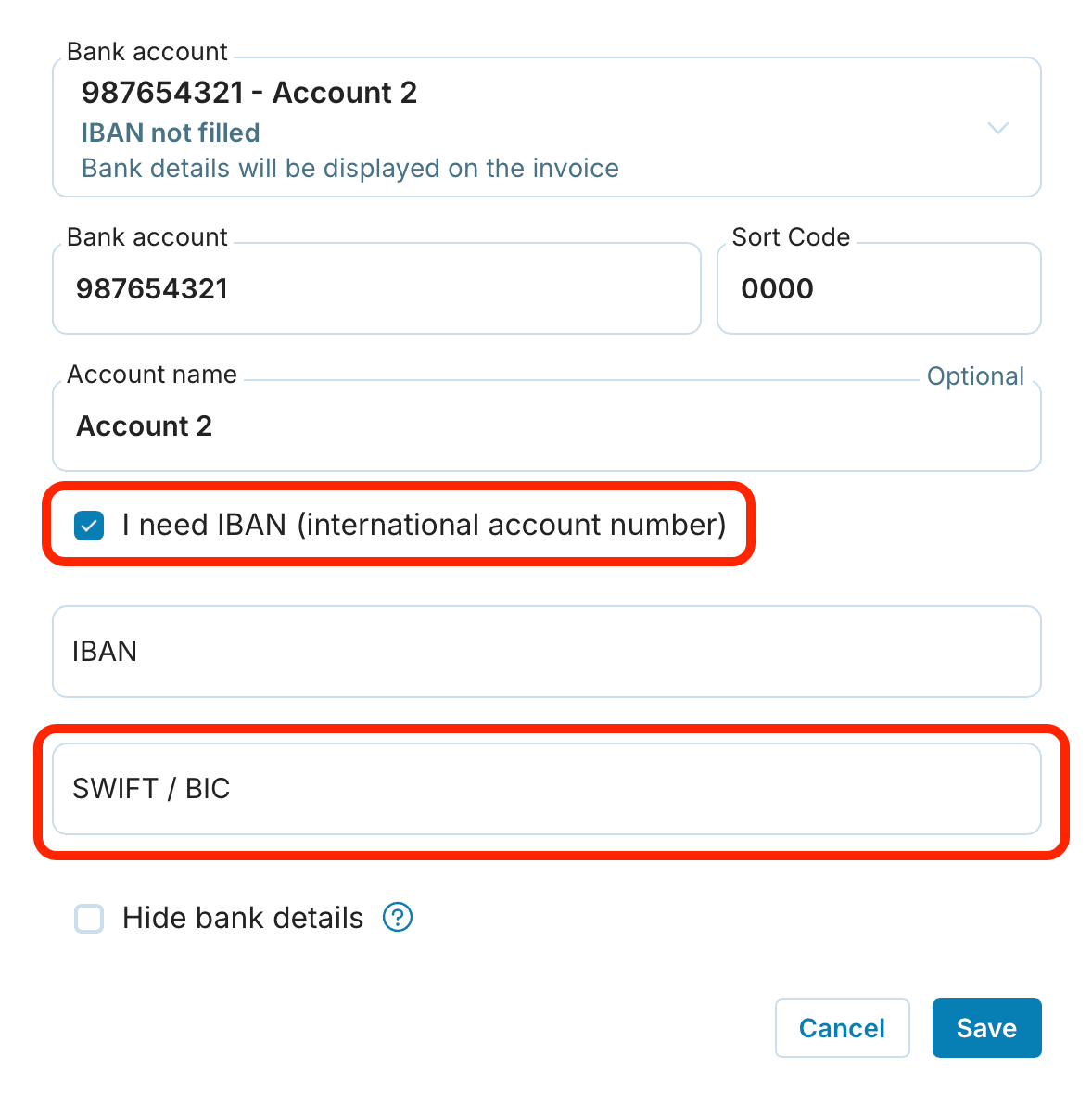

Once the SWIFT/BIC is saved, invoicing abroad is a matter of a few clicks — leaving you free to get on with the work instead of hunting down bank codes.

Do you invoice clients abroad too? Read our guide to international invoicing.
Are SWIFT and BIC the same thing?
Yes. They are two names for one code. SWIFT is the everyday name and BIC is the official one under the standard. You enter the same value in the SWIFT/BIC field whether you are asked for a SWIFT code or a BIC.
Where do I find my bank SWIFT/BIC?
In your online banking, on a bank statement or on your bank website. Every bank publishes its SWIFT/BIC.
Do I need a SWIFT/BIC for payments within the UK?
Usually not. For domestic payments a sort code and account number are enough. The SWIFT/BIC is mainly for payments from abroad.
Are 8 characters enough or do I need 11?
An eight-character code points to the bank head office and is usually enough. If the other party insists on 11 characters, „XXX“ is added at the end.
Do I have to enter the SWIFT/BIC on every invoice?
No. You save it once in your company details and it is filled in automatically. You can change it at any time on an individual invoice.