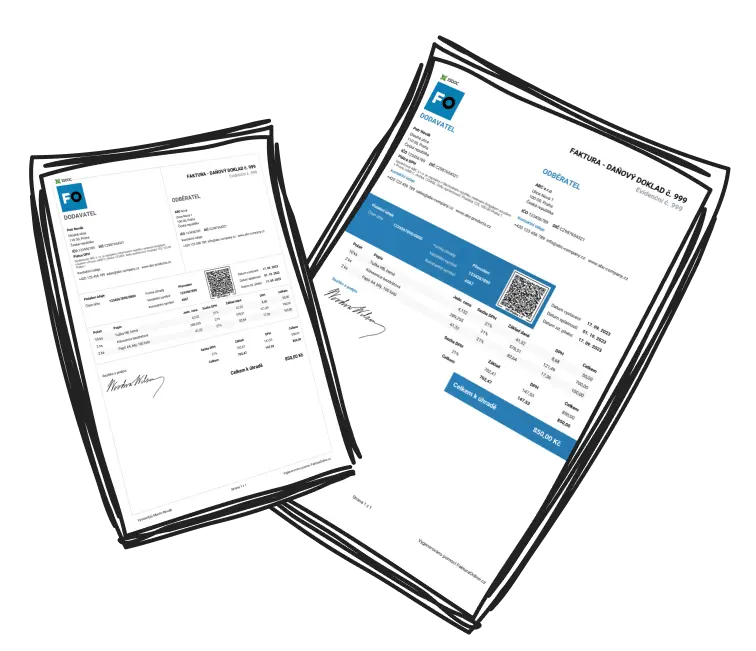
Upgrade your subscription from MINI to PREMIUM
How to upgrade from MINI to PREMIUM?
After logging in, click the business name in the top right. In the menu, you’ll see the Manage subscription link right under your current plan. You can also get there via Company settings → Manage subscription.
[SCREENSHOT business menu – Manage subscription.png]

Your plan always applies to one specific business, not to your whole login. If you have several businesses under My companies, first switch to the one you want to upgrade to PREMIUM, and only then open subscription management.

Explore the full range of features available with the PREMIUM plan.
On the order page, you’ll see both plans side by side. On the PREMIUM card, click the orange button with the price. The amount shown is already just the difference between your MINI plan and PREMIUM.
You’ll be redirected to a secure payment page. Once you’ve paid, your PREMIUM plan is activated immediately.
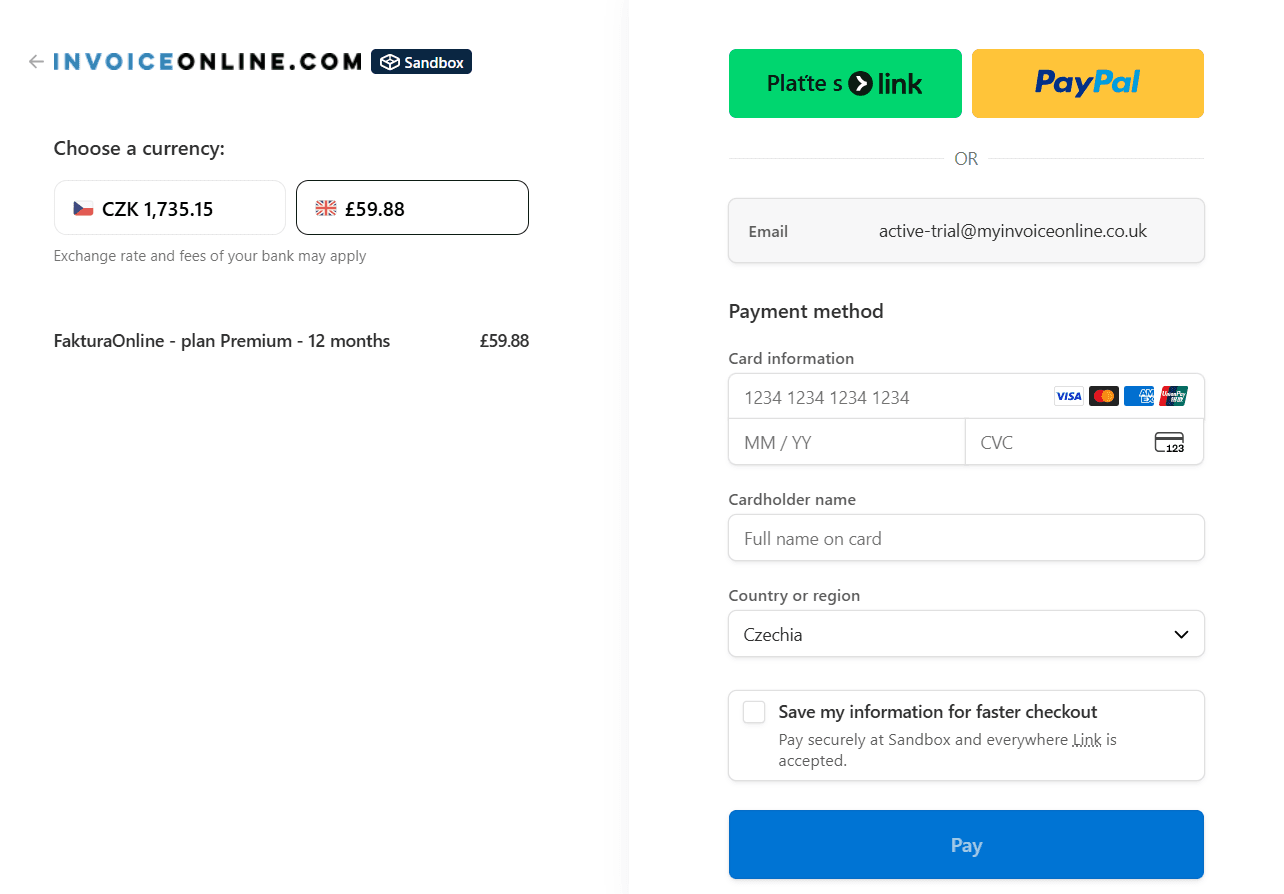

When you upgrade from MINI to PREMIUM, the amount you’ve already paid for MINI is deducted. You only pay the difference between the plans. The upgrade is always billed for a full year from the date of the change. For example, if you upgrade to PREMIUM in November, the new plan is activated immediately and runs until November of the following year.