VAT invoice - tax document template

Share on:
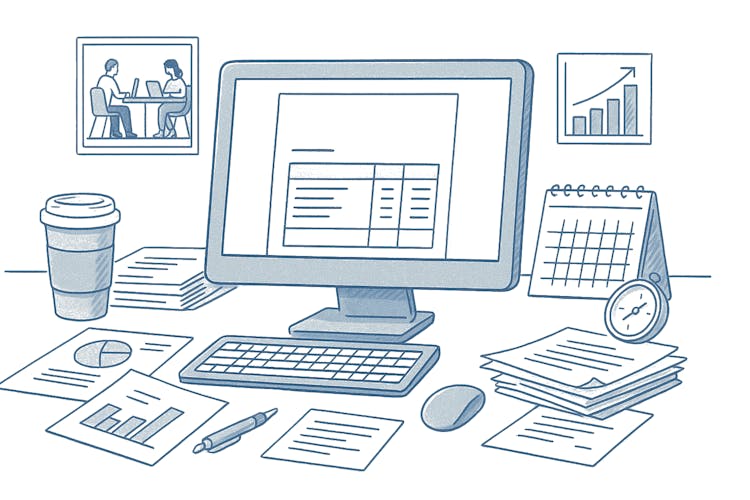
VAT invoice - tax document template
In the realm of invoicing on MyInvoiceOnline.co.uk, users are presented with various invoice options, including the conventional tax document.

VAT invoice - tax document

The commonly requested template is an invoice for the VAT payer, which is a crucial tax document. Alongside the standard details, it is necessary to include information about the tax base and the percentage of VAT for each item.The process is straightforward, involving the collection of essential data such as the customer and supplier ID numbers, as well as the VAT values for the products being invoiced.

Feel free to proceed with the creation of your tax document with MyInvoiceOnline.co.uk!

Tax document template

Tax document template

With us, anyone can handle invoicing completely.Create Invoice

Faktura

Related articles

How to Amend an Invoice: Fixing Errors With a Credit Note
28/08/2026

Spotted a mistake on an invoice? How you fix it depends on one thing: whether it's still sitting in your account or your customer already has it. While it's a draft, a change takes seconds. Once it's been sent, you'll usually put things right with a credit note rather than editing the original.

Invoice History: How to Track Whether Your Customer Received and Opened It
07/08/2026

You've sent an invoice but aren't sure whether your customer received and opened it? In MyInvoiceOnline, every invoice keeps a history of what happened to it. This guide shows where to find it and how to send invoices by email straight from the app.

Overdue Invoice: What to Do When a Client Hasn't Paid
05/08/2026

When an invoice is overdue, UK law is on your side: on business-to-business invoices you can claim statutory interest of 8% above the Bank of England base rate, plus fixed compensation of £40–£100 — automatically. Here's how to chase an overdue invoice, and how to track its status and send reminders inside MyInvoiceOnline.

How to create an invoice from an advance invoice
18/05/2026

Have you issued an advance invoice and your customer has paid the deposit? You can create the corresponding tax document in MyInvoiceOnline with a single click — the application will automatically pre-fill the line items, deduct the deposit, and link both documents together.