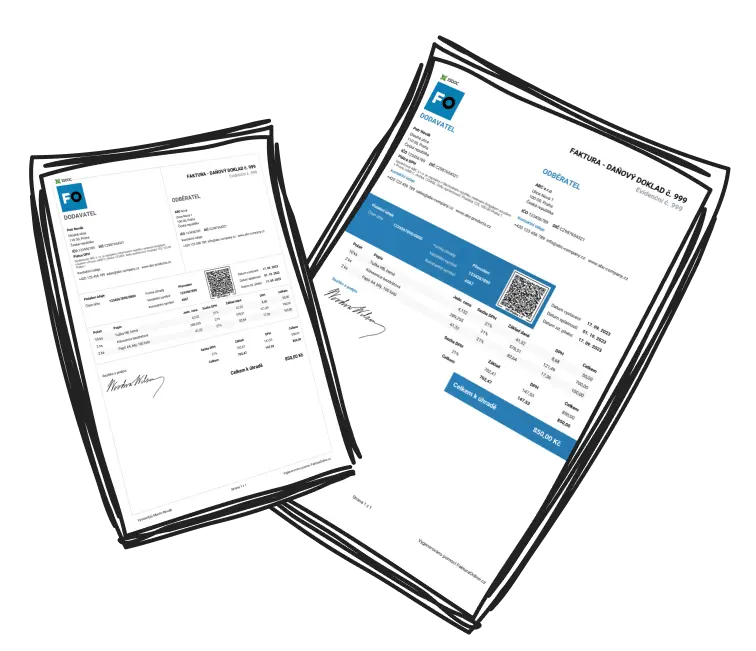
Personalising Your Invoices: Logo, Brand Colours and Stamp

Why a branded invoice is worth the effort
Think about how many of your marketing messages a client actually opens. Your invoice, they open every time. It is one of the few documents that reaches every customer directly, which makes it valuable space to leave sitting empty as a plain table.
A logo and your brand colours tie the invoice back to your business, the same way your website or email signature does. Add a stamp and the document reads as more formal and more trustworthy. For a client who has not worked with you before, a tidy, branded invoice quietly signals that the rest of your work is tidy too.
What you can change
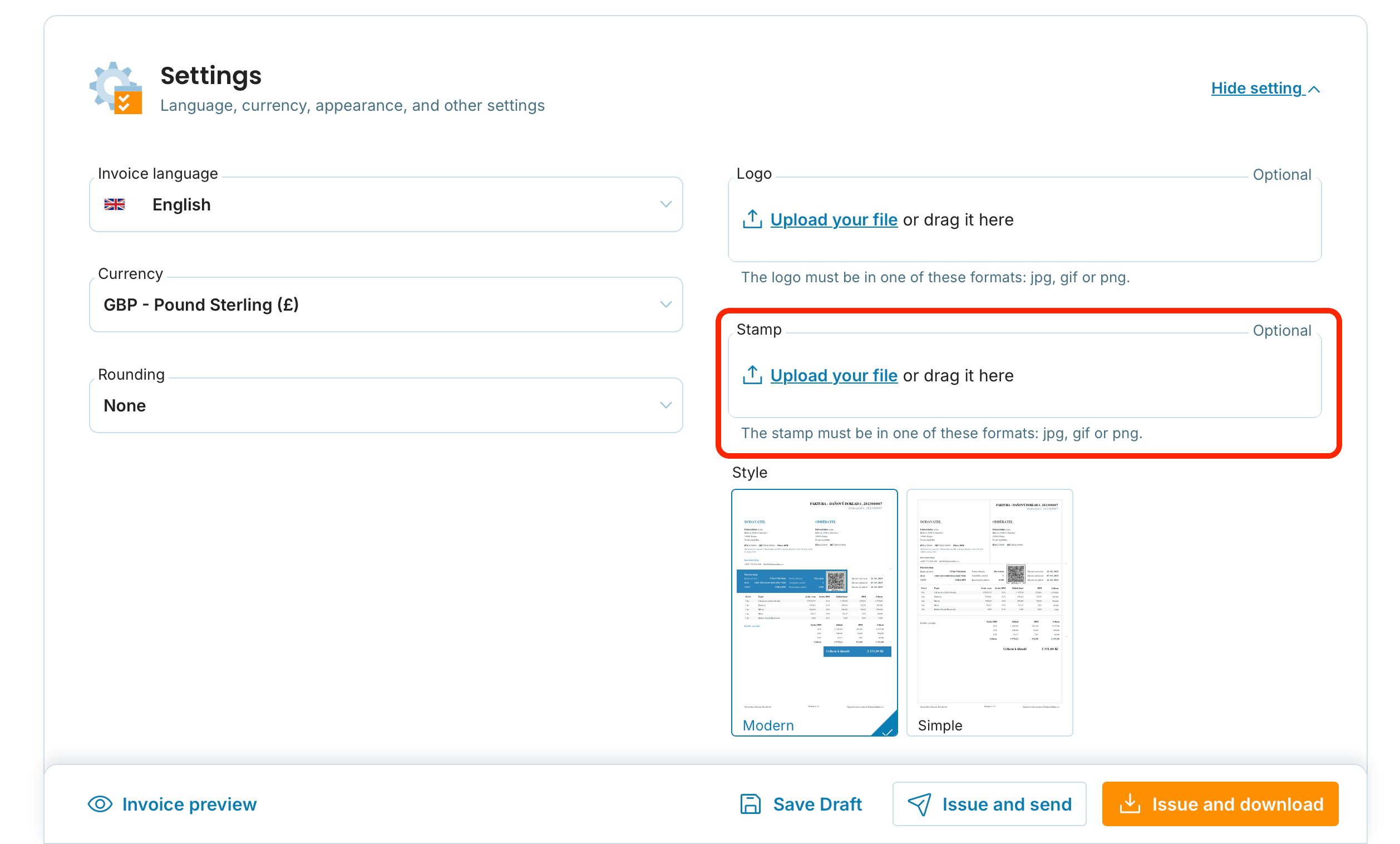
Stamp and signature
Add a scanned stamp or signature as an image while you create an invoice, in the Settings section. It accepts JPG, JPEG, GIF and PNG files. Once uploaded you can crop the image for cleaner alignment, and it is saved as the default for future invoices. Full steps are in the guide to working with your stamp and logo.
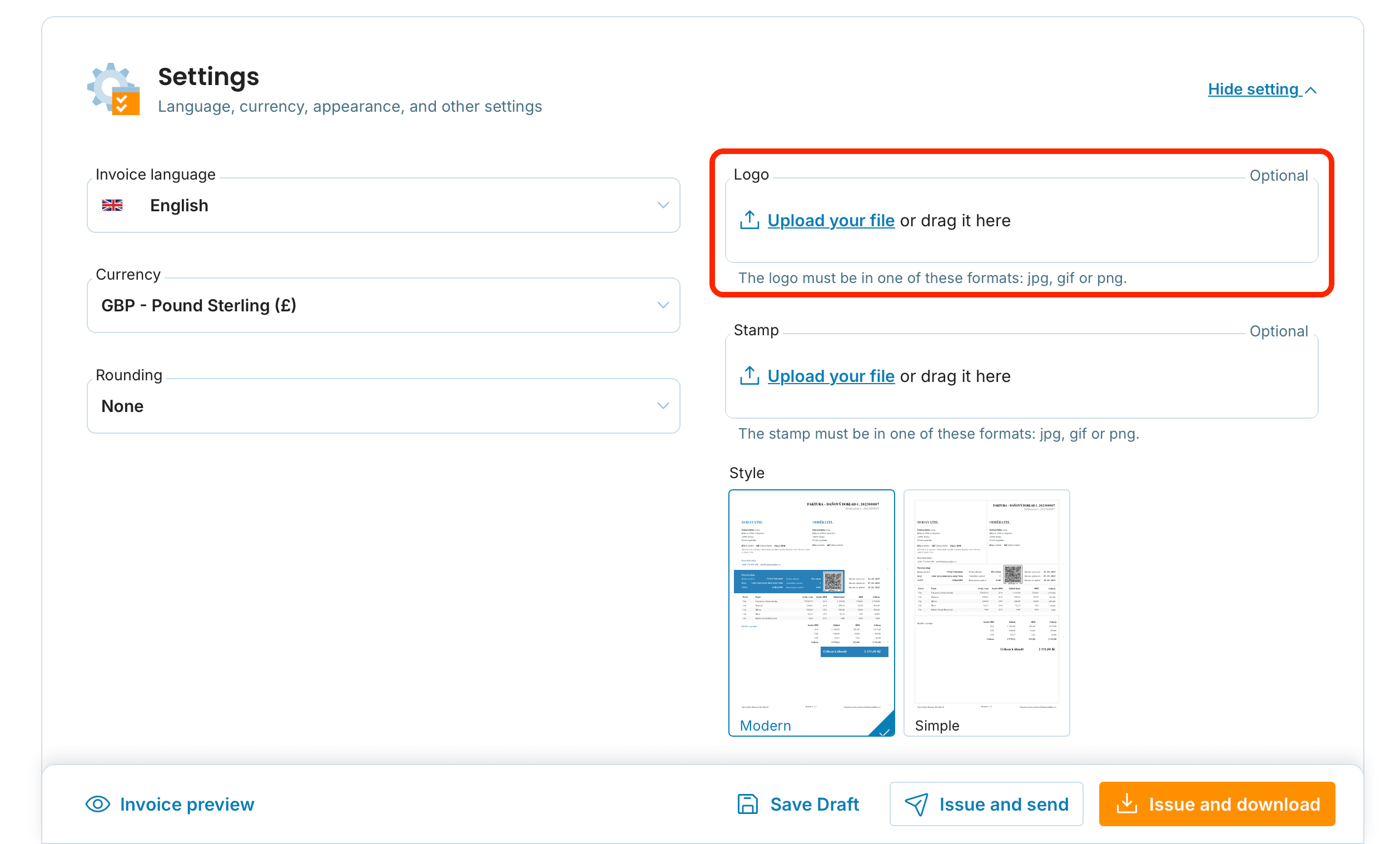
Logo
Upload your logo in the same place and it appears alongside your supplier details on every invoice.
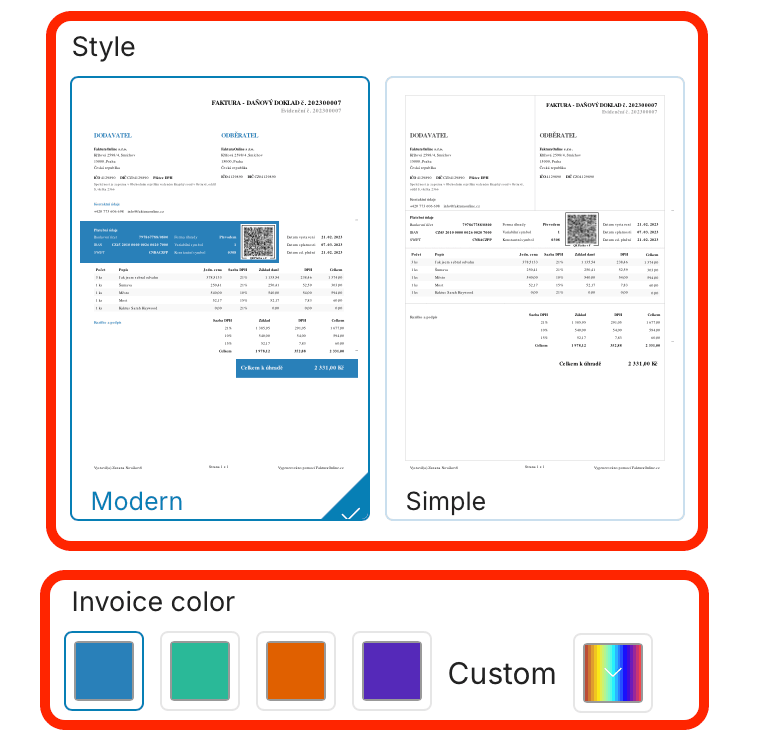
Colours and template
Choose between two templates and a set of preset colours, or set a custom colour to match your brand precisely. The invoice design guide walks through the options.
Getting a clean result
Keep your logo high resolution and crop out white space so it does not drift from the text.
Scan your stamp on a white background so it does not sit over the invoice content, then tidy the edges with the crop tool.
Match your colour to your brand rather than picking something close.
Use the preview at the bottom of the screen before issuing, so nothing surprises you on the final PDF.
You set the logo and stamp once, and they carry across to your next invoice automatically.


Will personalising change the invoice legal details?
No, it only affects the appearance. All required details remain unchanged.
Where do I add my logo and colours?
In the Settings section while creating an invoice; expand it if hidden. Language and currency are there too, and you can check the result in the preview.
Which file formats work for a logo or stamp?
JPG, JPEG, GIF or PNG, ideally high resolution. You can crop after uploading.
Can I set a custom brand colour?
es. In addition to the preset palette you can define your own colour.